Skip to content

HOW IT WORKS

Bossanova Cloud

By default, Bossanova runs agent sessions locally on your own machines. Bossanova Cloud adds a multi-machine web UI for remote development, and on-demand cloud agents (currently in beta).

Architecture overview

Topology

Bossanova architecture diagram Three regions arranged left-to-right. On the left, "Your machines" contains three machine tiles, each running boss and bossd. In the middle, an optional cloud orchestrator labelled Bossanova Cloud. On the right, a web user interface at app.bossanova.dev. Solid bidirectional arrows between machines and cloud indicate a persistent gRPC connection, and between cloud and the web UI indicate the HTTP link to the hosted app. gRPC HTTP
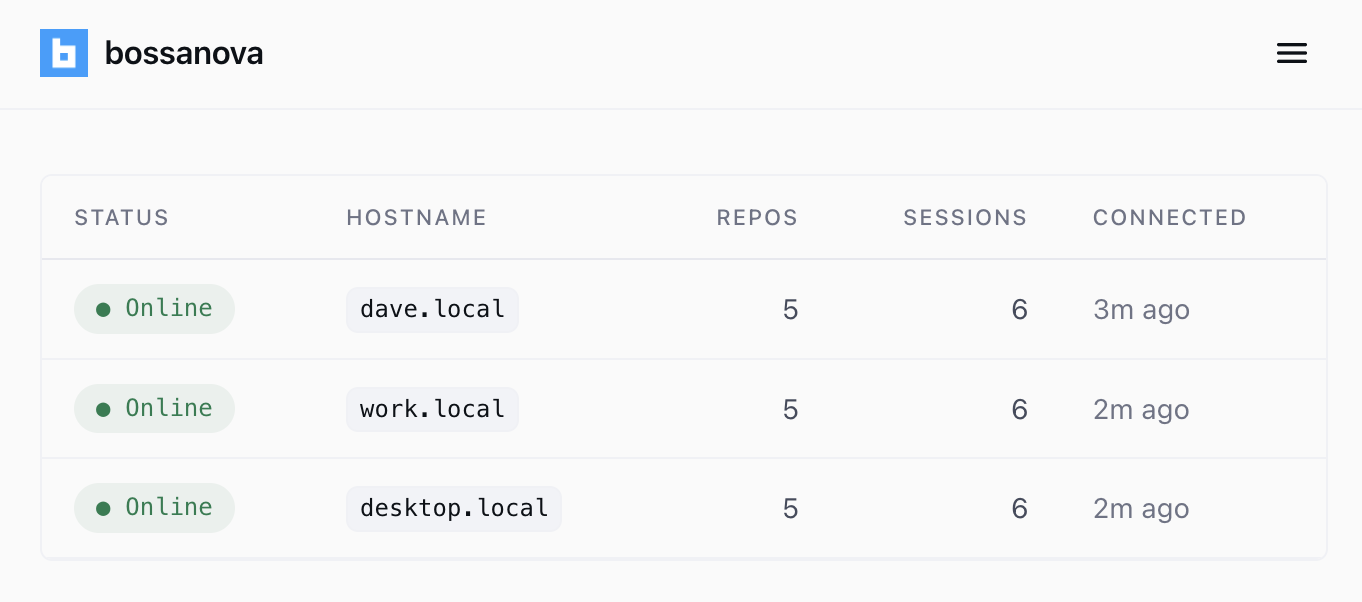
Bossanova web dashboard listing three online machines (dave.local, work.local, desktop.local) with repo, session, and last-connected counts.

Control remote agents via the web

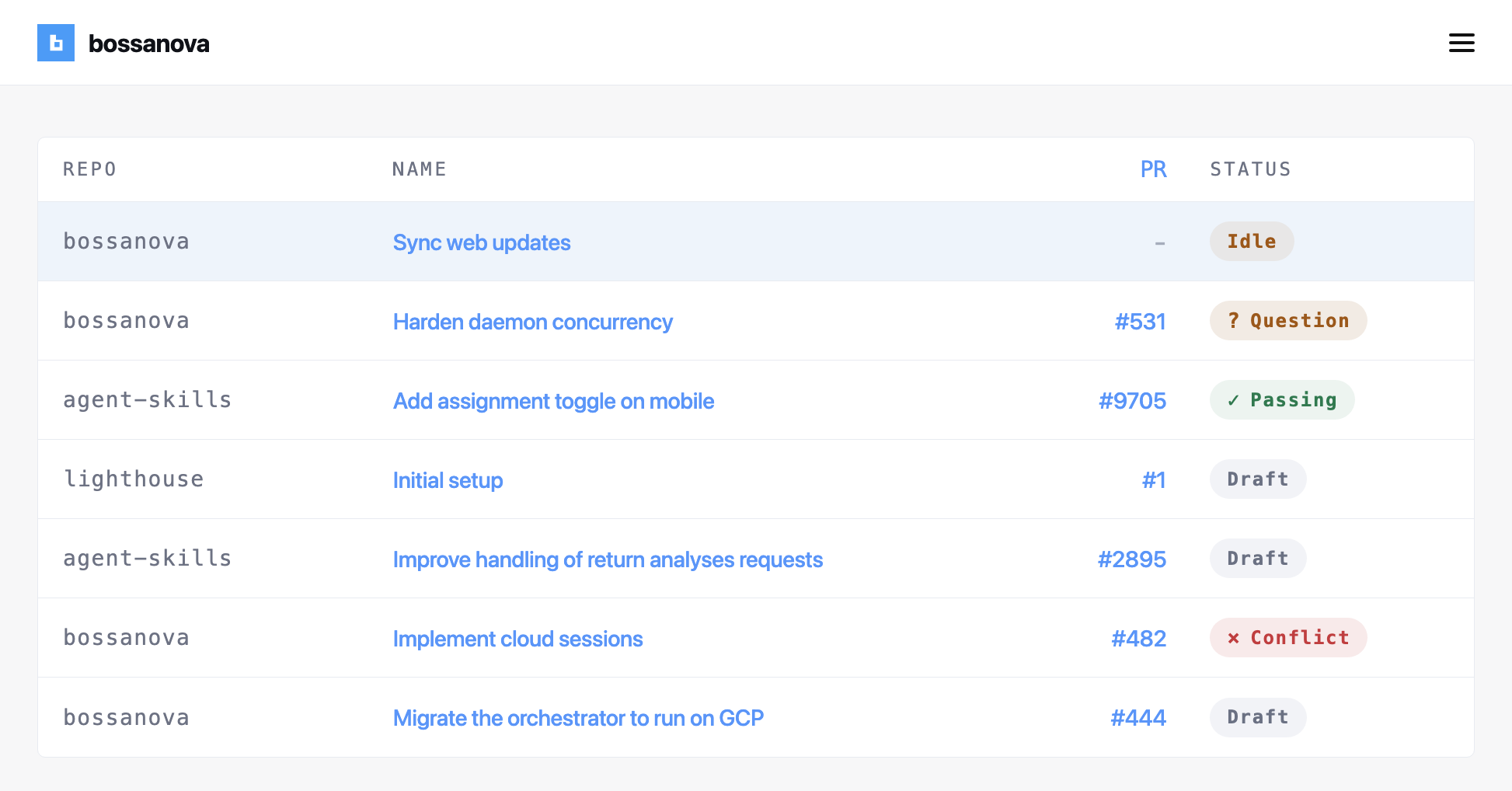
Sign into Bossanova Cloud to control remote Claude Code sessions from anywhere.

Easily add and remove your machines in seconds. Your code never leaves the boxes you control.
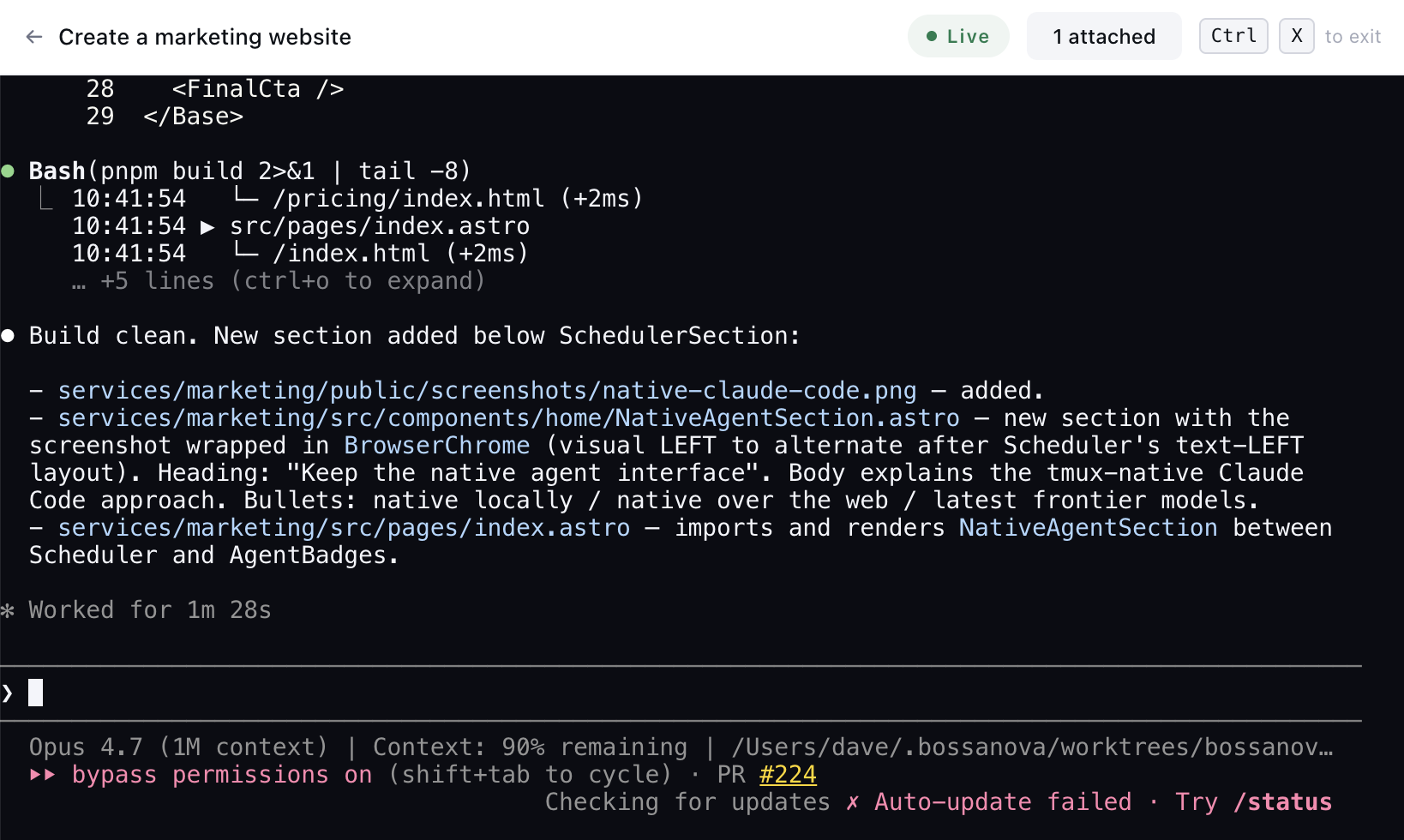
Native Claude Code TUI running inside Bossanova, showing live tool output and the active model (Opus 4.7, 1M context) in the status line.

Use the agent's native interface

Unlike similar tools, Bossanova runs native Claude Code sessions in tmux, whether you're running locally or streaming to the web.

  • Native locally — drive the real Claude Code TUI in your terminal.
  • Native over the web — stream the terminal to your browser and work remotely.
  • Latest frontier models — pick up new releases the moment they land.

Try Bossanova Cloud for free

macOS + Linux